
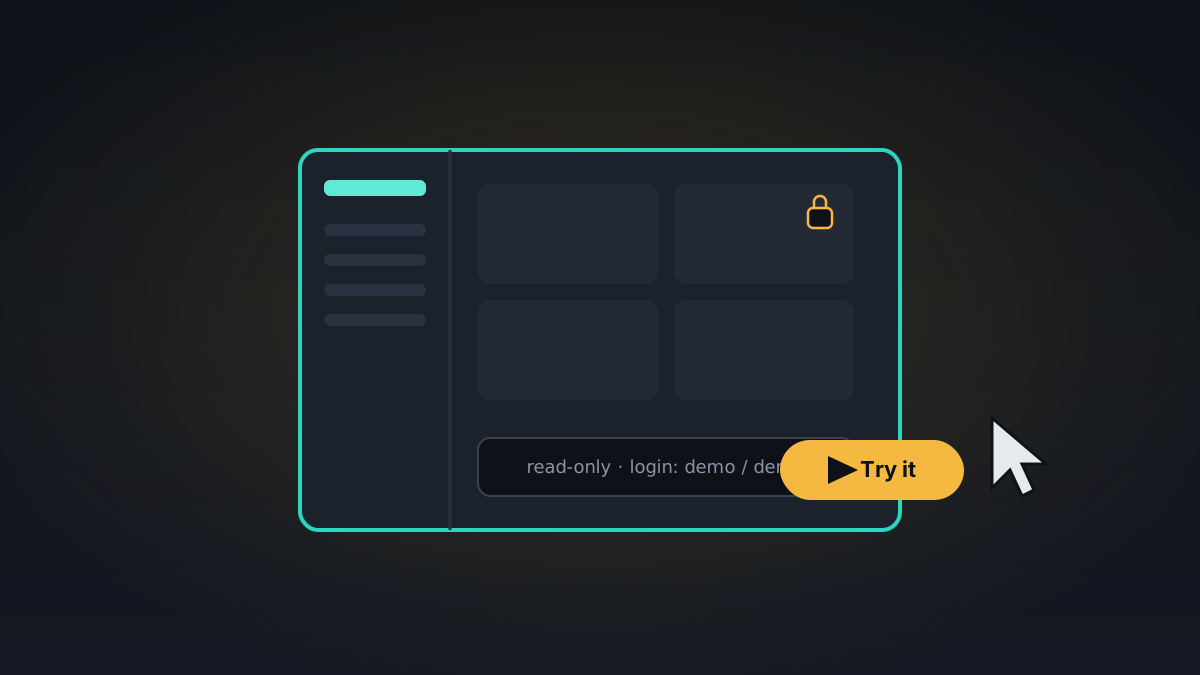
A week ago MeshHold got a website. The obvious next question from anyone who landed on it was: okay, but what does it actually look like? A screenshot only goes so far, and "download a daemon, generate a swarm key, join a mesh" is a big ask just to satisfy curiosity. So this week there's a live demo.
What it is
The demo is not a mockup or a marketing sandbox — it's the real daemon, the same binary you'd run at home, built in a special read-only mode and seeded with example content so there's something to explore on arrival:
- a Documents vault and a Media Library vault with actual music and video you can stream;
- a Demo chat room with a conversation already in it;
- a couple of password-locked items — a private vault and a secret chat — so you can see how locking works (the hints are in the app);
- a synthetic network view so the topology page isn't empty.
You log in with demo / demo, and from there you can browse vaults, play media, open chats, and poke at the network page exactly as you would on your own node.
The honest caveats
It's read-only, so you can look but not change things — which also means you can't break it for the next visitor, and it resets itself anyway. And it's a single node, so the parts of MeshHold that are inherently about more than one machine — replication healing, peer-to-peer calls, the mesh overlay — you can see the UI for, but you won't feel them the way you would across two real devices. The demo is a tour, not the whole product. But it turns "I think I understand what this is" into "oh, that's what this is," and that's the entire point.
You'll find the Try the live demo button on the site. Bring your curiosity; leave your data at home.
Since the website went live
- Windows system VPN: a privileged helper service plus a Wintun adapter, so a Windows box can route through the mesh as a real VPN
- Port forwarding,
ssh -L/-Rstyle, over the existing tunnel circuits - At-rest encryption: a one-shot migration that moves the local database to an encrypted-at-rest store
- Offline-first mode: a "fully local" filter across the library so the app stays useful with no peers reachable
- An in-app bug-report flow that bundles diagnostics and sends them with one tap
- A Docker image — distroless, static, multi-arch — for the container crowd