
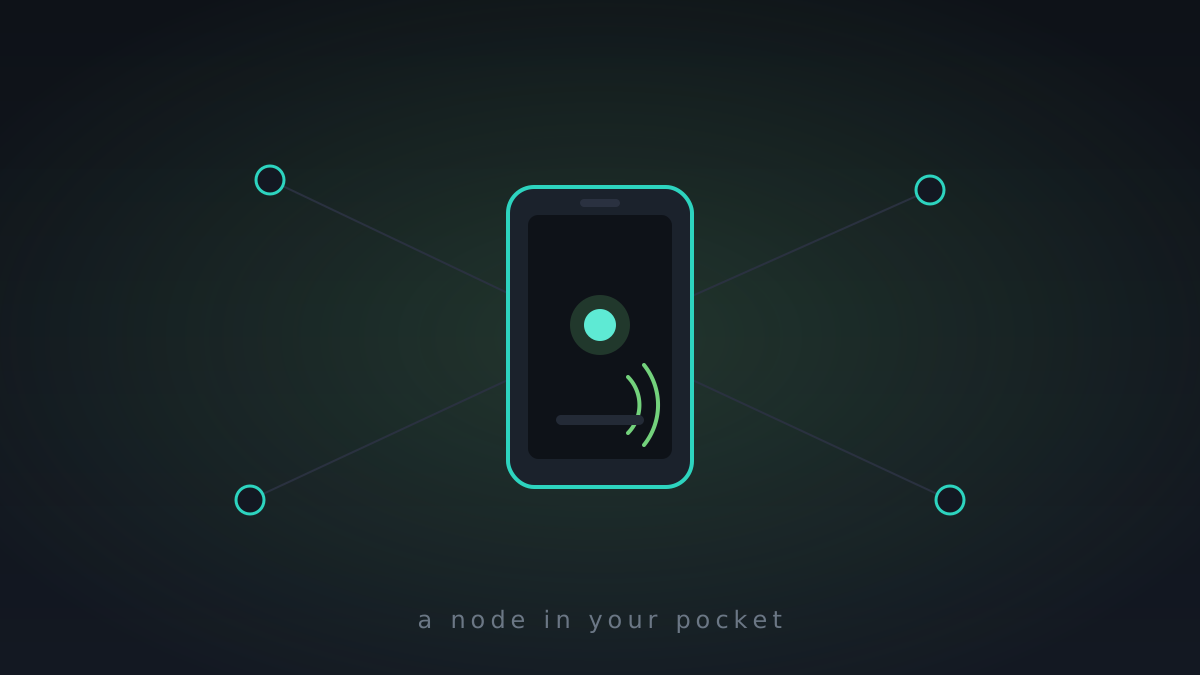
A storage mesh that only runs on servers is half a product. The half that matters most lives in your pocket, so this week MeshHold grew an Android app.
The important design decision: it's not a thin client. A lot of "self-hosted, but mobile" apps are really just a web view pointed at a server you have to keep running somewhere. Here, the Android app embeds the same daemon that runs on your desktop and ships it as a foreground service. Your phone is a peer — it holds blocks, syncs catalogs, gossips replication, and joins the swarm on its own. The UI on top is the same web interface the daemon already serves; the phone just renders it locally.
Getting in without a password prompt
Onboarding a node into a private mesh is the awkward part. There's no central sign-up — membership is the swarm key. So instead of a login screen, the app opens a setup wizard: paste or scan the swarm key, point it at a bootstrap peer, and you're in. Sharing a vault or a chat is a QR code or a deep link, so adding your phone to your own mesh takes about as long as it takes to scan it.
Chat that feels like chat
Once the phone is a real node, the chat that's been quietly working between daemons gets a face: bubbles, avatars, message grouping, emoji, and Markdown. Then the things people actually expect — delivery and read receipts; file, photo, video, audio, and location messages; ephemeral self-destructing messages and spoilers; and store-and-forward so a message reaches someone whose phone was asleep when you sent it.
Since the mesh came alive
- Android foreground-service node + embedded daemon, rendering the same web UI locally
- setup wizard: swarm key + bootstrap peer instead of a password; QR codes and deep links for joining vaults and chats
- chat UI: bubbles, avatars, grouping, emoji, Markdown
- delivery + read receipts; file / photo / video / audio / location messages; ephemeral + spoiler messages
- store-and-forward relay so offline recipients still get their messages